Products /
Camera selection guide
Start with the mounting location, then check the network and power at the site. Open a model for its full specifications.
Compare specifications ↓Choose by installation
Model specifications
| Model | Network | Imaging | Features |
|---|---|---|---|
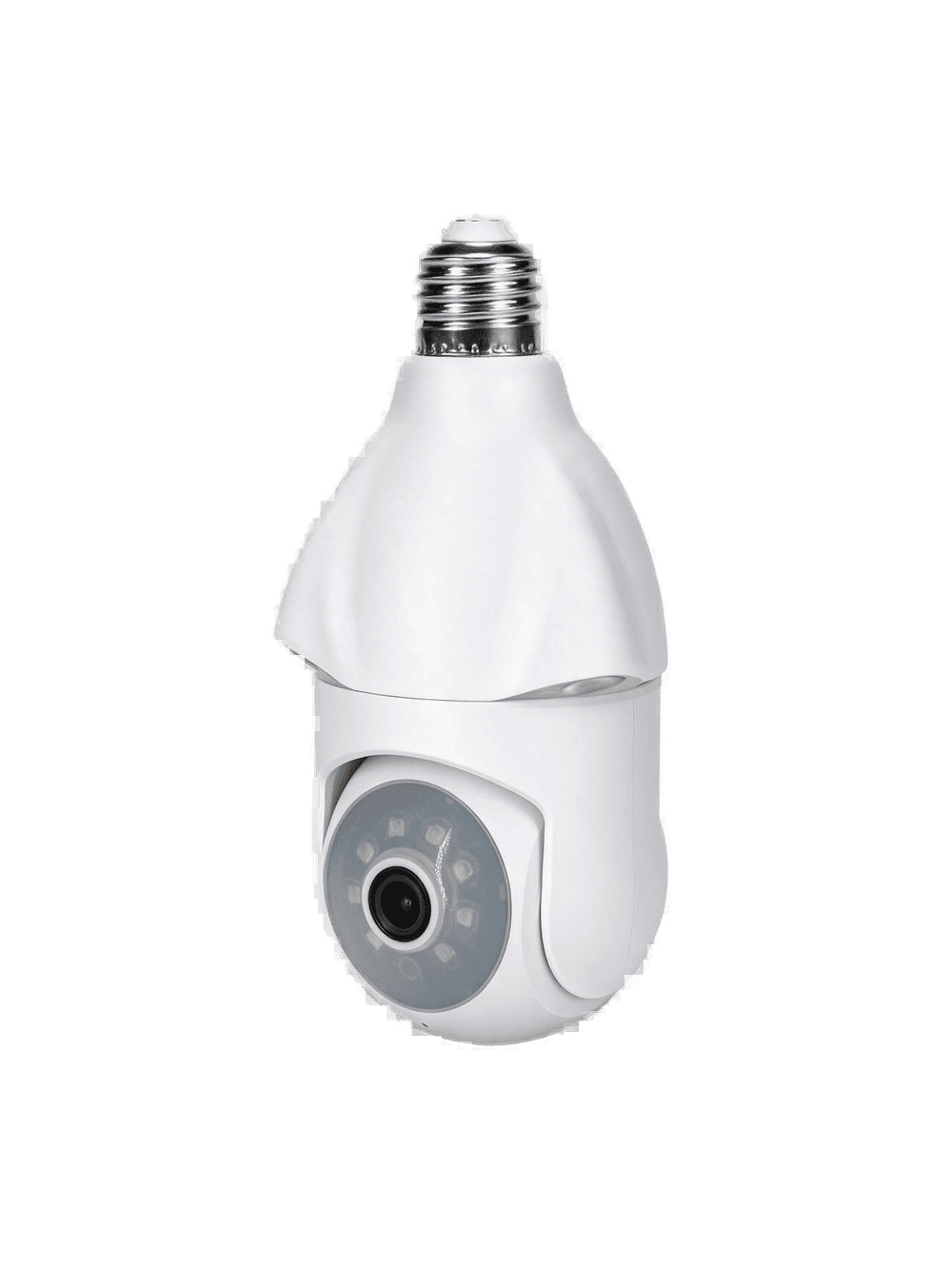
| ZG-LB100 ↗Single-lens Wi-Fi Bulb Camera LB100 | 2.4 GHz Wi-Fi | 1MP, 720p | 1MP, clear enough for the hall · 2.4 GHz Wi-Fi · Power from the lamp |
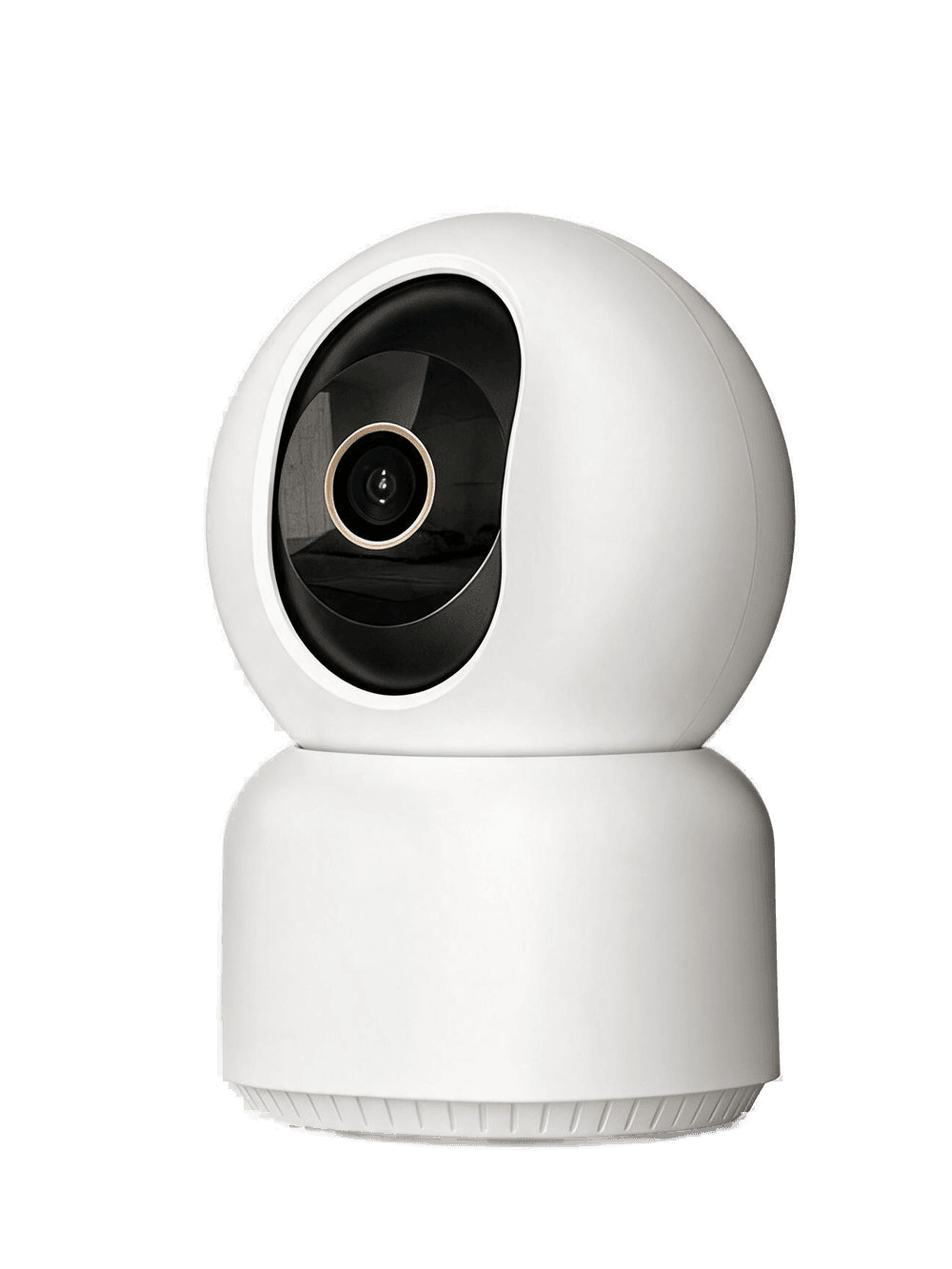
| ZG-DT100 ↗Single-lens Wi-Fi Desktop Camera DT100 | 2.4 GHz Wi-Fi | 1MP, 720p | 1MP, clear enough for the room · 2.4 GHz Wi-Fi · Pan and tilt on the desk |
| ZG-LB200 ↗Dual-lens Wi-Fi Bulb Camera LB200 | Wi-Fi | Two 2MP views, up to 2560×1440 | Two 2MP views · Main lens pans · Home Wi-Fi |
| ZG-DT200 ↗Dual-lens Wi-Fi Desktop Camera DT200 | Wi-Fi | Two 2MP views, up to 2560×1440 | Two 2MP views · Sits on a desk · Wi-Fi |
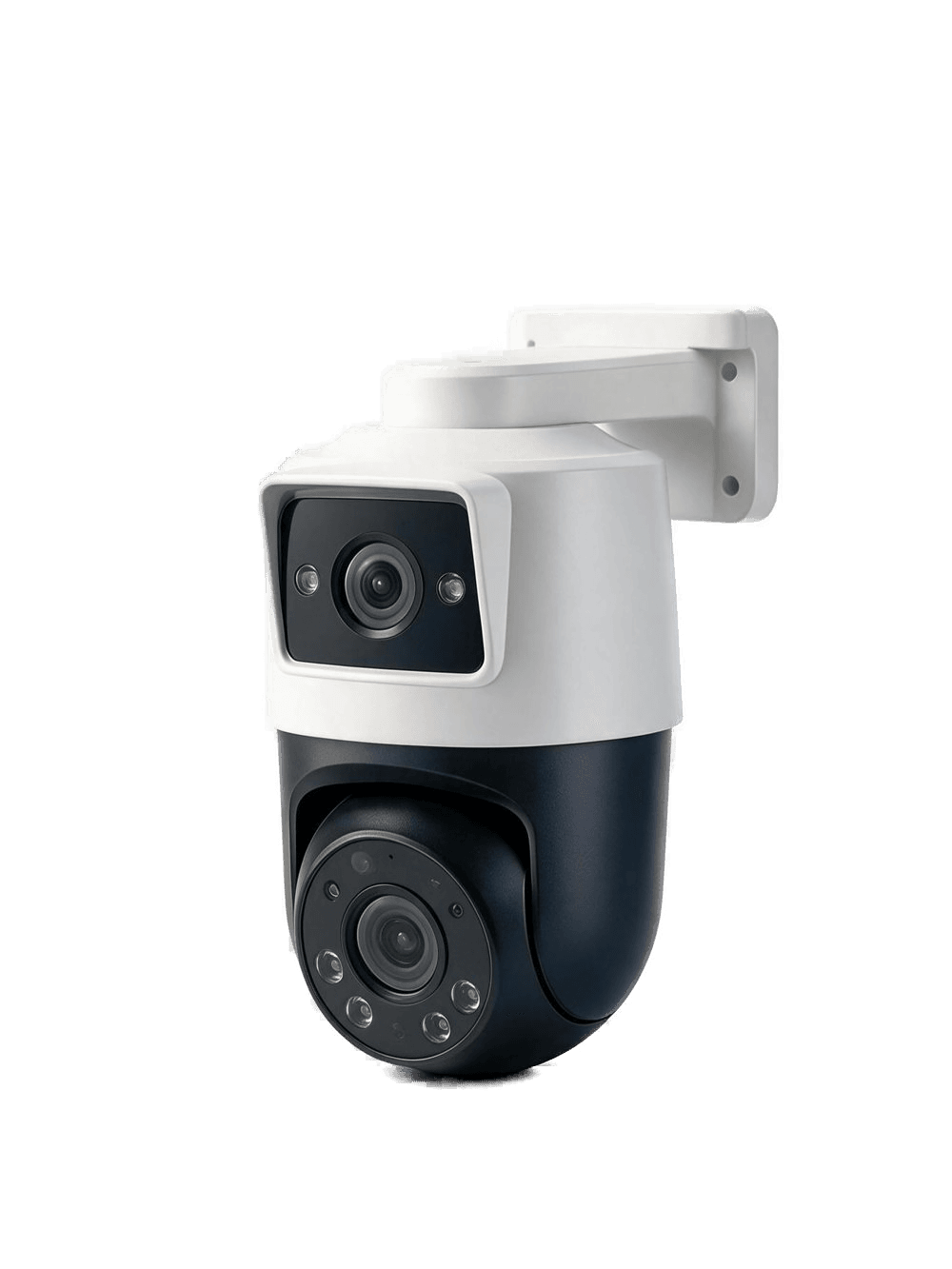
| ZG-WL200 ↗Dual-lens Wi-Fi Wall Camera WL200 | Wi-Fi | Two 2MP views, up to 2560×1440 | Two 2MP views · Wall mount · Wi-Fi |
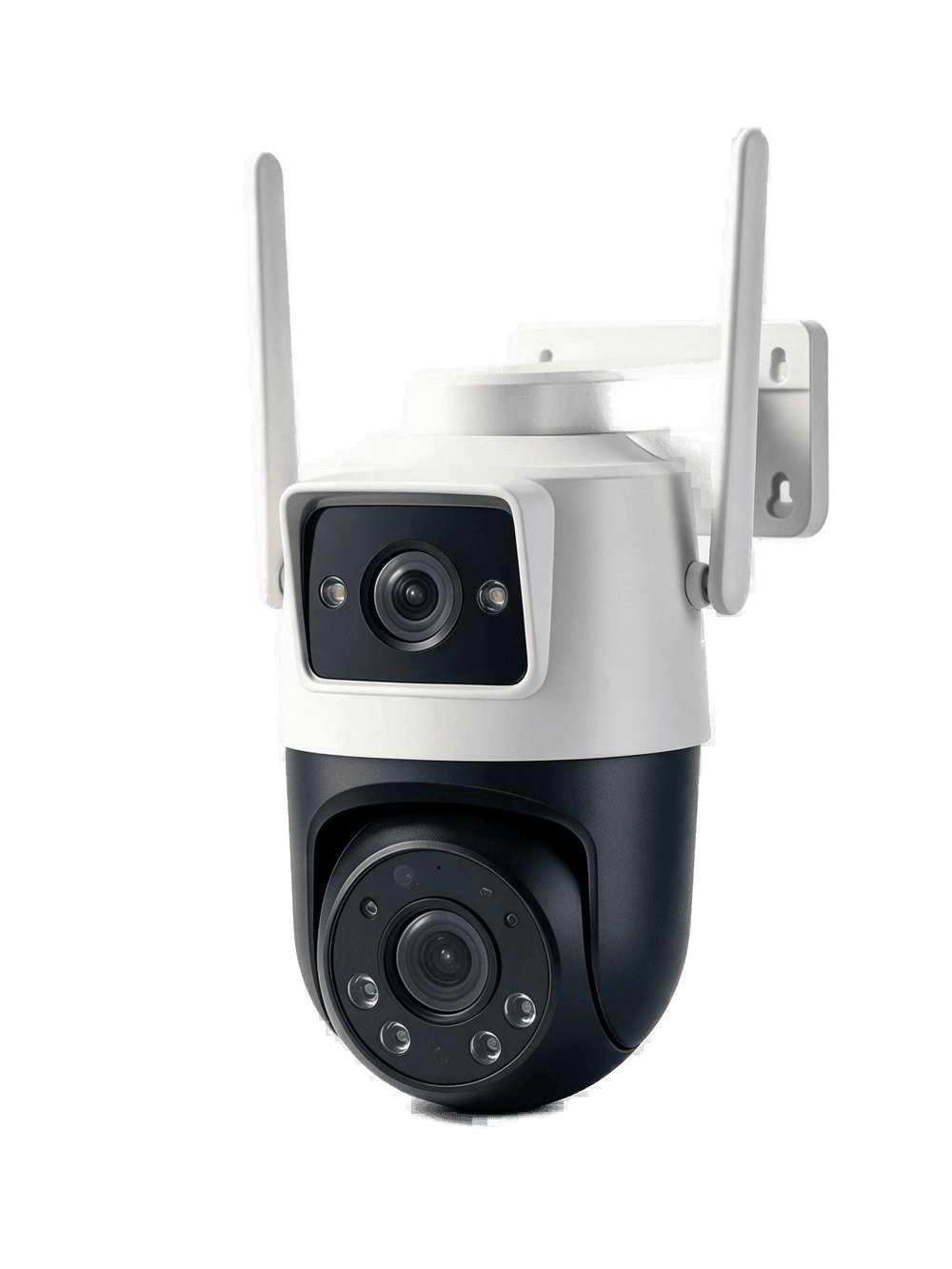
| ZG-C200 ↗Dual-lens 4G Wall Camera C200 | 4G | Two 2MP views, up to 2560×1440 | 4G connectivity · Plug in and go · Two 2MP views |
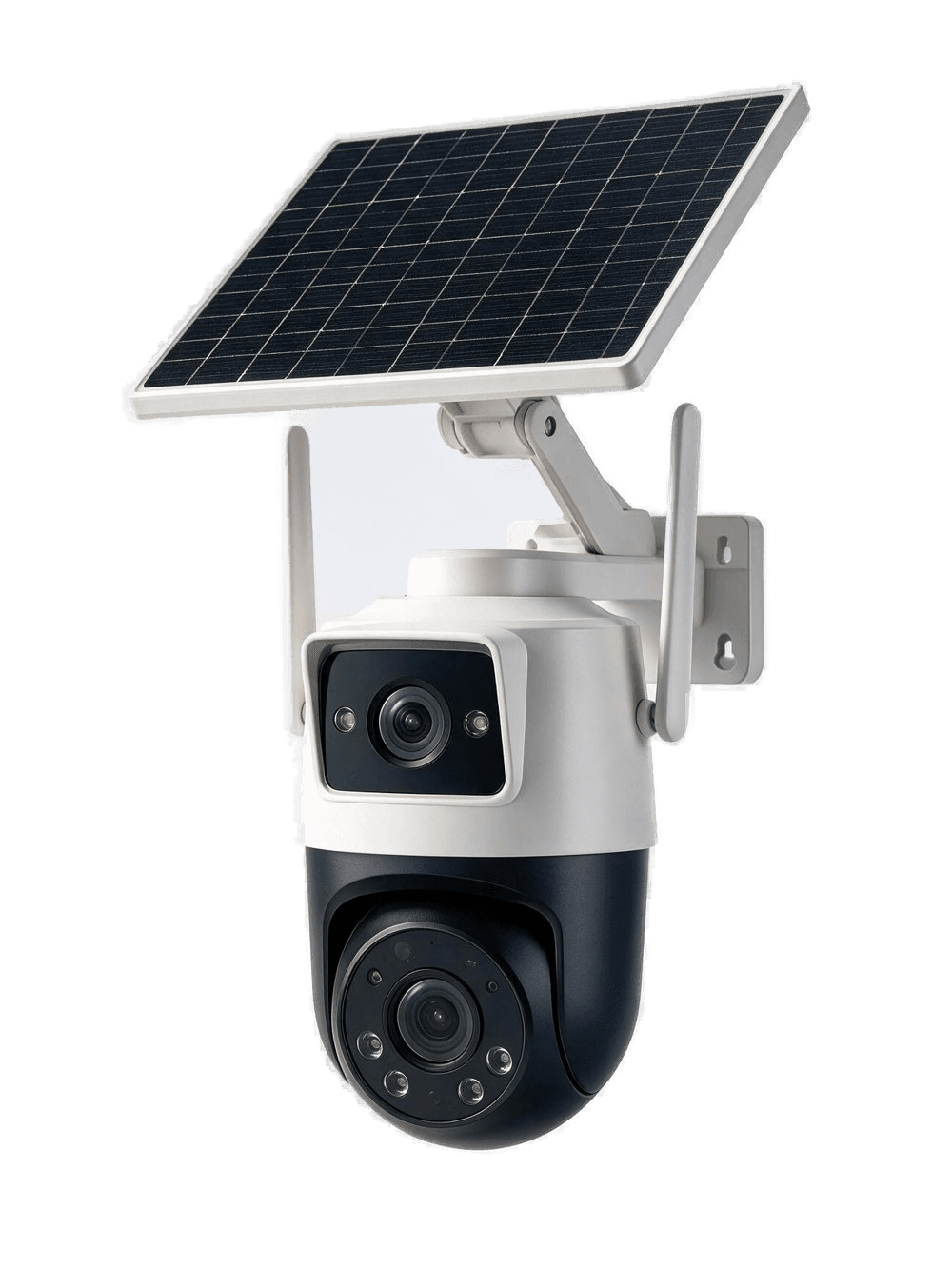
| ZG-CS200 ↗Dual-lens 4G Solar Wall Camera CS200 | 4G | Two 2MP views, up to 2560×1440 | 4G connectivity · Battery and solar · Two 2MP views |