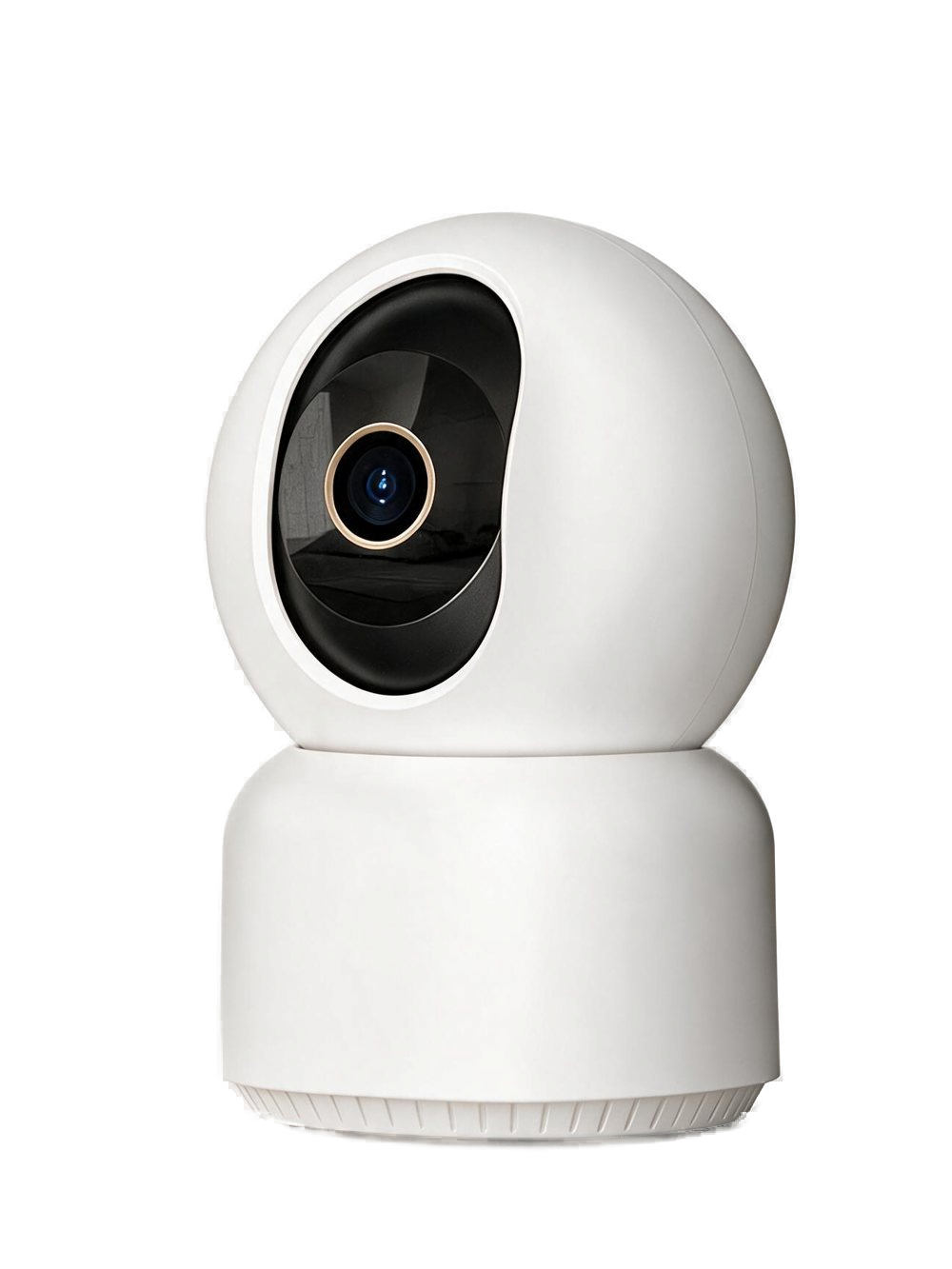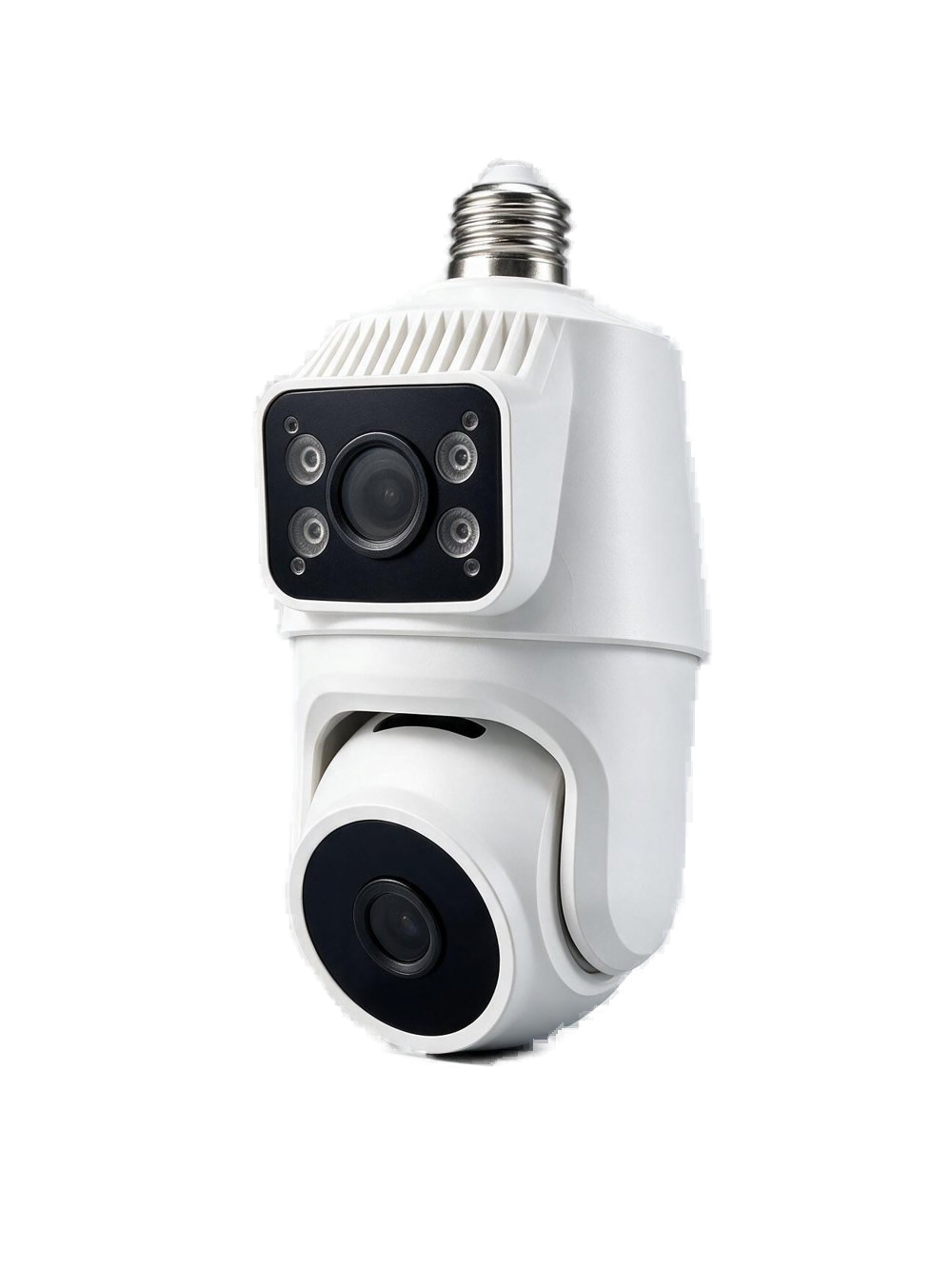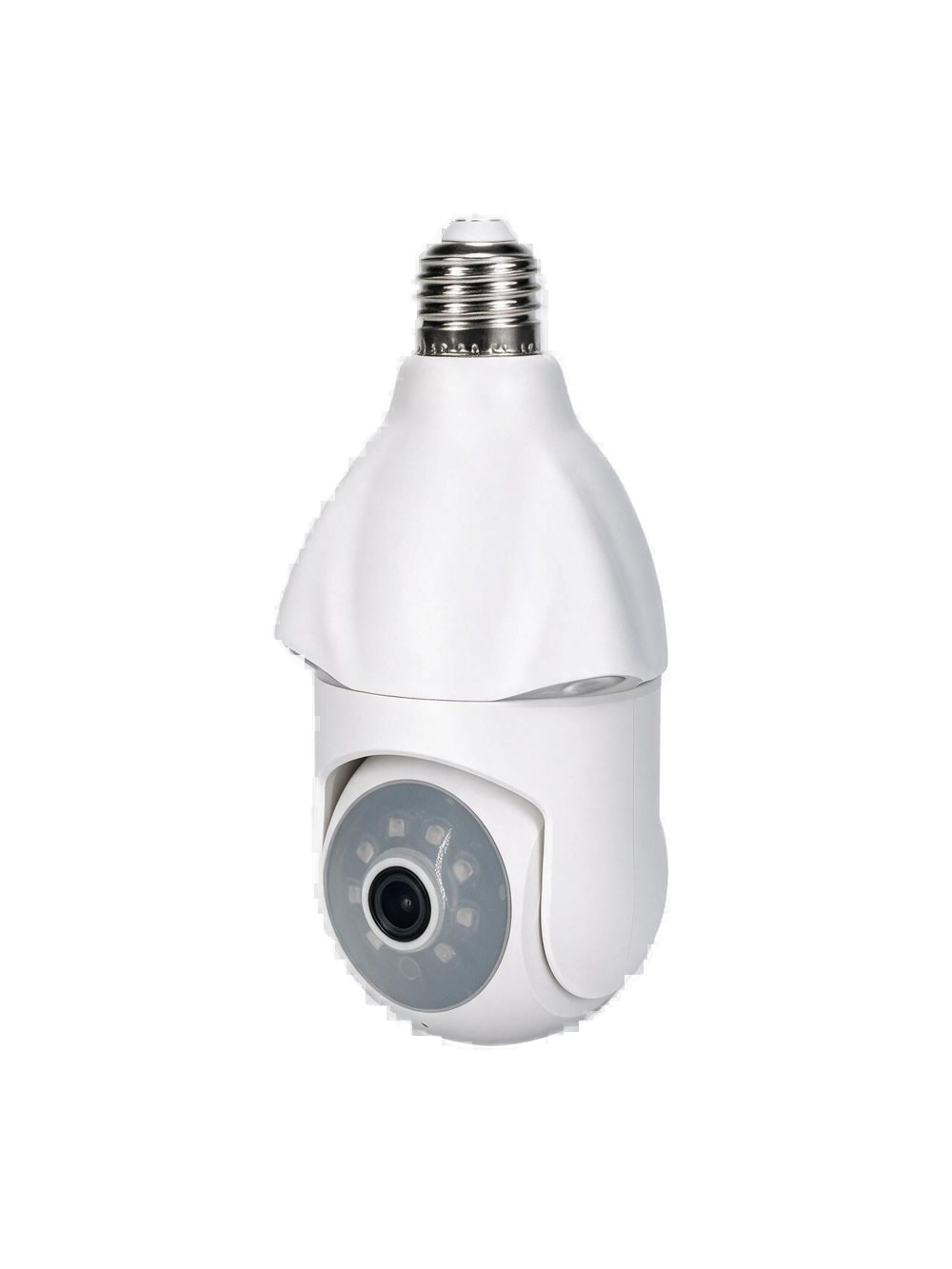
ZG-LB100
Single-lens Wi-Fi Bulb Camera LB100
Screws into the lamp. See the hall in minutes.
View details
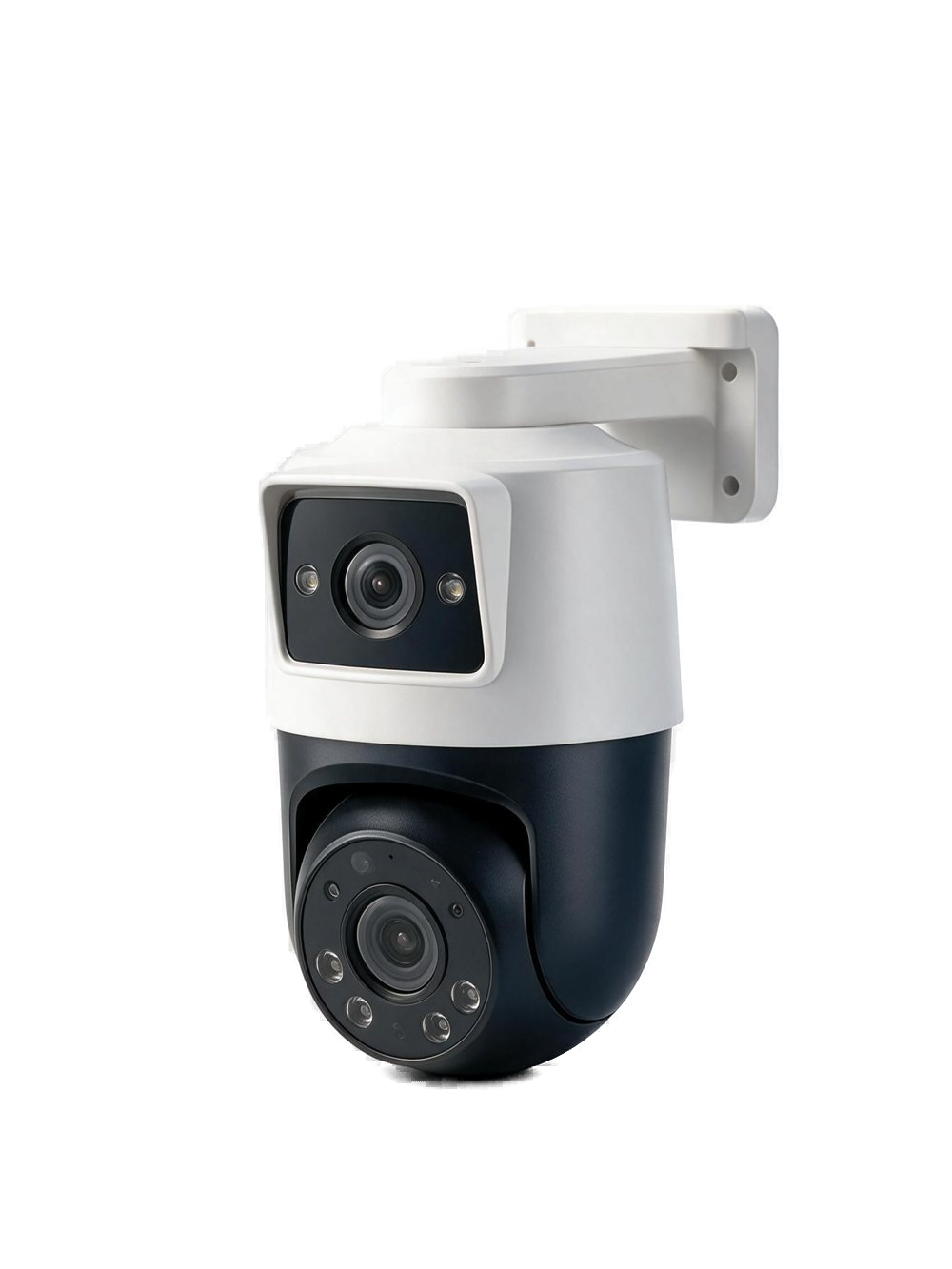
On the wall, watching the entrance and the aisle.
Mount it by the front door, a shop entrance, or the office. The main lens pans, the second lens holds the other side, and ZigeLink brings both views to your phone.
Certifications are listed on the store page.
Enquire about ZG-WL200 specifications and delivery ↗Setup guide ↗
Pairing, reset, and indicator lights for this model are in Help.
Install ZigeLink, then add the device the way this model connects.
Reset before you change Wi-Fi, hand the unit to someone else, or when pairing will not start.
A new router or password does not update the camera by itself. Reset, then pair again.
Too high, facing a road, or shooting through glass: people are missed and trees set it off. Fix geometry first.
Confirm the device is online and app alerts are allowed, then check whether the mount misses the walkway.
Separate empty battery, lost network, and a stale account entry. Each fix is different.