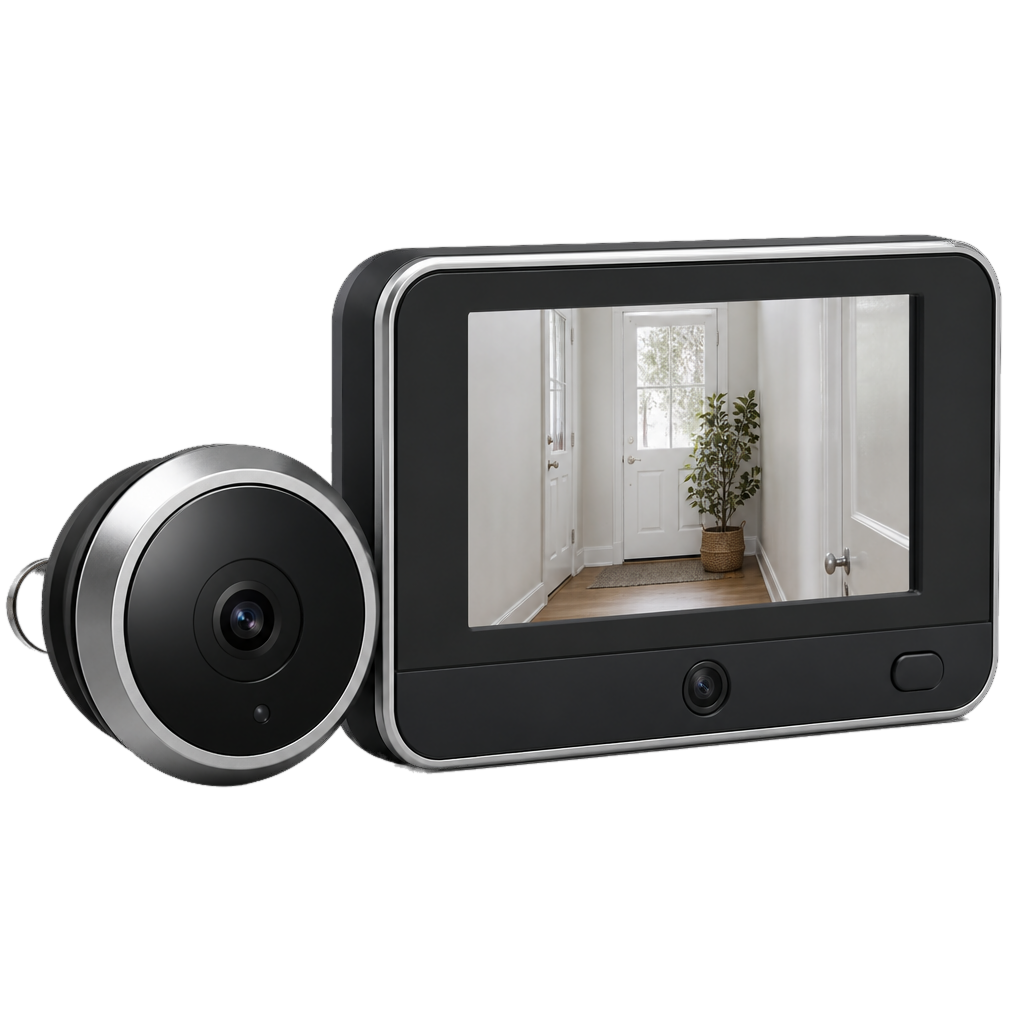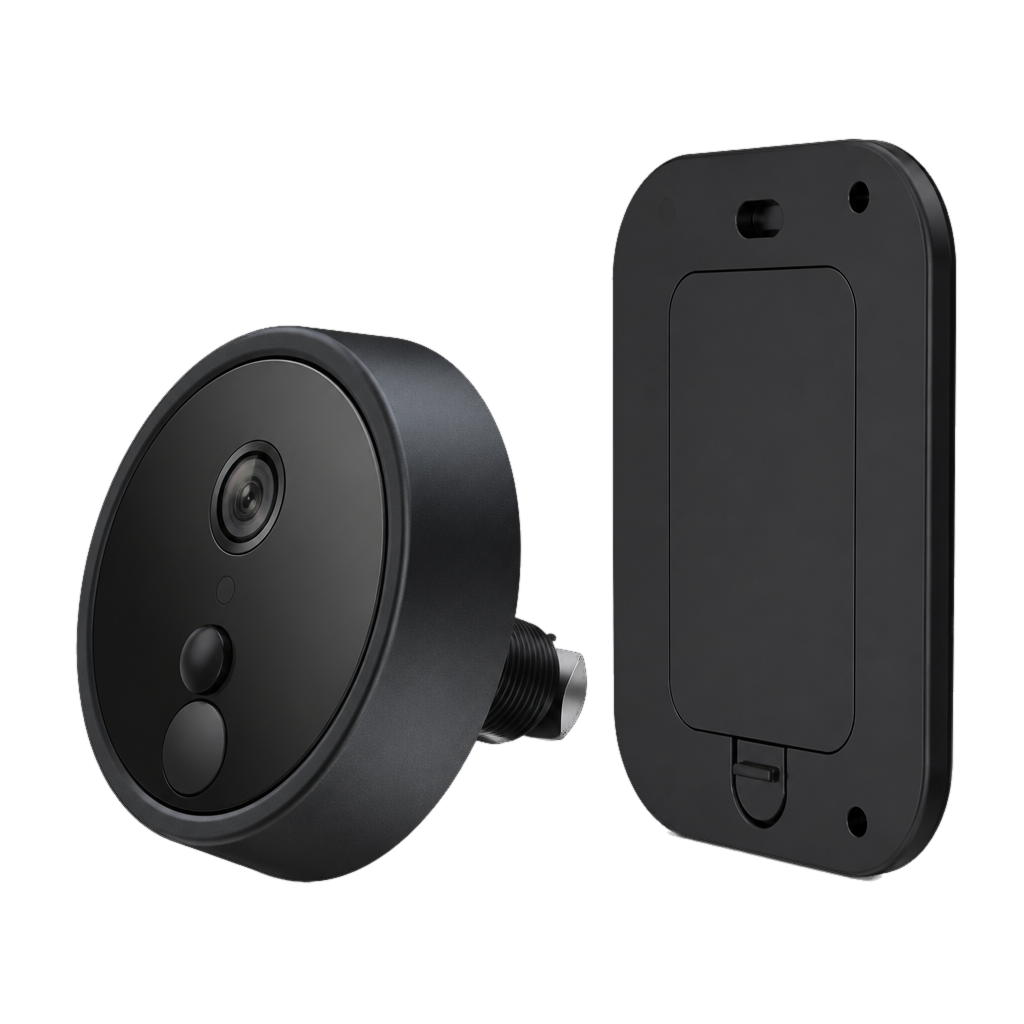
Battery Video Peephole E150
No extra wiring. See the door in the app.
- Low-power battery
- 2K color night vision
- App view and talk
For a rental, or a door you would rather not rewire. Open ZigeLink to see the door and answer.
Specifications
In the box
- Viewer
- Battery
- Mounting kit
- Quick start guide
Certifications
Manuals & documents
The quick start will be added here.
Need help?
Pairing, reset, and indicator lights for this model are in Help.
Install ZigeLink, then add the device the way this model connects.
Reset before you change Wi-Fi, hand the unit to someone else, or when pairing will not start.
The blue LED tells you which step the device is in. If nothing happens, charge first, then reset.
A new router or password does not update the camera by itself. Reset, then pair again.
Confirm the device is online and app alerts are allowed, then check whether the mount misses the walkway.
Separate empty battery, lost network, and a stale account entry. Each fix is different.